
Oops! Something went wrong while submitting the form.
Your LinkedIn headline is the most-read line on your entire profile — and LinkedIn's own data confirms that profiles with optimized headlines receive up to 40% more InMail responses. Yet most professionals still default to "[Job Title] at [Company]" — the digital equivalent of a blank billboard on a busy highway.
A strong LinkedIn profile does three things: it tells visitors who you help, it proves you can deliver results, and it makes the next step obvious. But building that profile — choosing the right headline formula, writing a compelling about section, selecting a professional headshot, designing a banner, and optimizing keywords for recruiter search — takes time that most professionals do not have.
That is where profile optimization tools come in. The best ones analyze your profile against proven frameworks, score your sections, suggest improvements, and even generate content — turning a multi-hour project into a 30-minute review.
Sai found that LinkedIn profile tools fall into four categories:
We tested 10 tools to find which ones deliver the biggest impact on profile views, search appearances, and inbound messages.
We evaluated each tool by running the same test across all 10: optimizing a single LinkedIn profile for a mid-career product manager targeting senior PM roles at B2B SaaS companies.
Test profile: A real LinkedIn account with 3 years of unoptimized content — generic headline ("Product Manager at [Company]"), no about section summary, experience bullets listing responsibilities instead of achievements, and the default blue banner image.
What we measured:
What we did not test: We did not measure actual recruiter response rates or InMail conversion — those require months of tracking and vary by industry. Our test focused on profile quality signals that LinkedIn's own documentation and third-party research correlate with higher search visibility and profile engagement.
Before reviewing tools, here are headline formulas and examples worth studying. The best headlines answer one question: "What do you do, and for whom?"
Formula 1: [Role] | [Who you help] + [Result]
Formula 2: [What you do] + [Proof/Metric]
Formula 3: [Value statement] + [Domain expertise]
Formula 4: [Audience-first] + [CTA]
What to avoid:
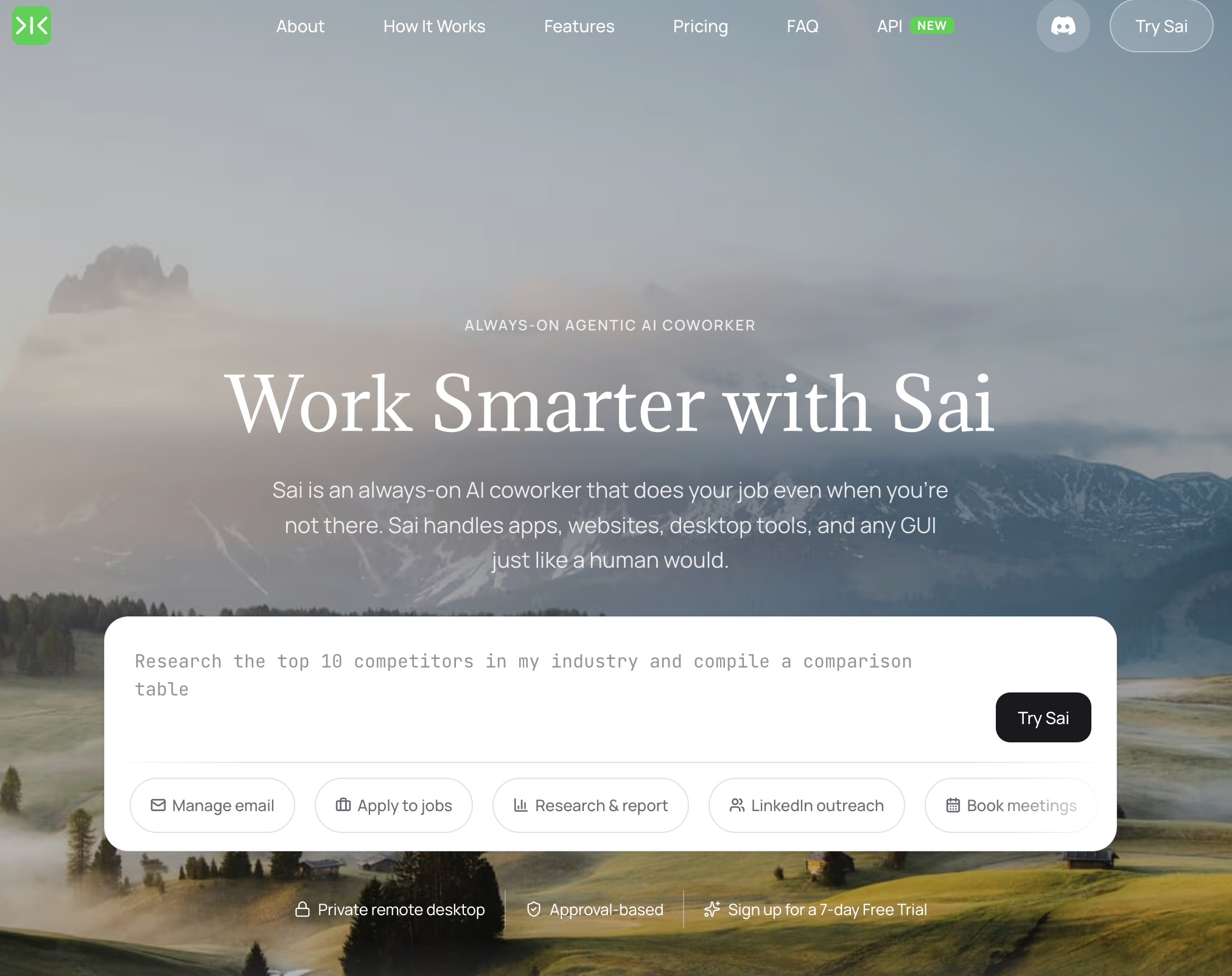
Pricing: Free tier available; Pro from $20/month Platform: Desktop AI agent (Windows/Mac) Best for: Professionals who want their entire profile written, optimized, and maintained by AI
Sai is the only tool on this list that can build a complete LinkedIn profile from scratch. While other tools score your existing profile or suggest keyword tweaks, Sai generates every section — headline, about, experience, skills, featured — based on your resume, target role, and industry benchmarks.
What Sai does that other tools cannot:
Limitations: Requires your computer to be running. Best results come from providing a detailed resume or specific target role — generic prompts produce generic profiles. Cannot create visual assets like headshots or banners (pair with Headshot Pro or Canva for those).
Who should pick Sai: Professionals who want a complete profile overhaul without spending 3-4 hours writing and editing. Especially valuable for career changers who need their profile repositioned for a new industry.
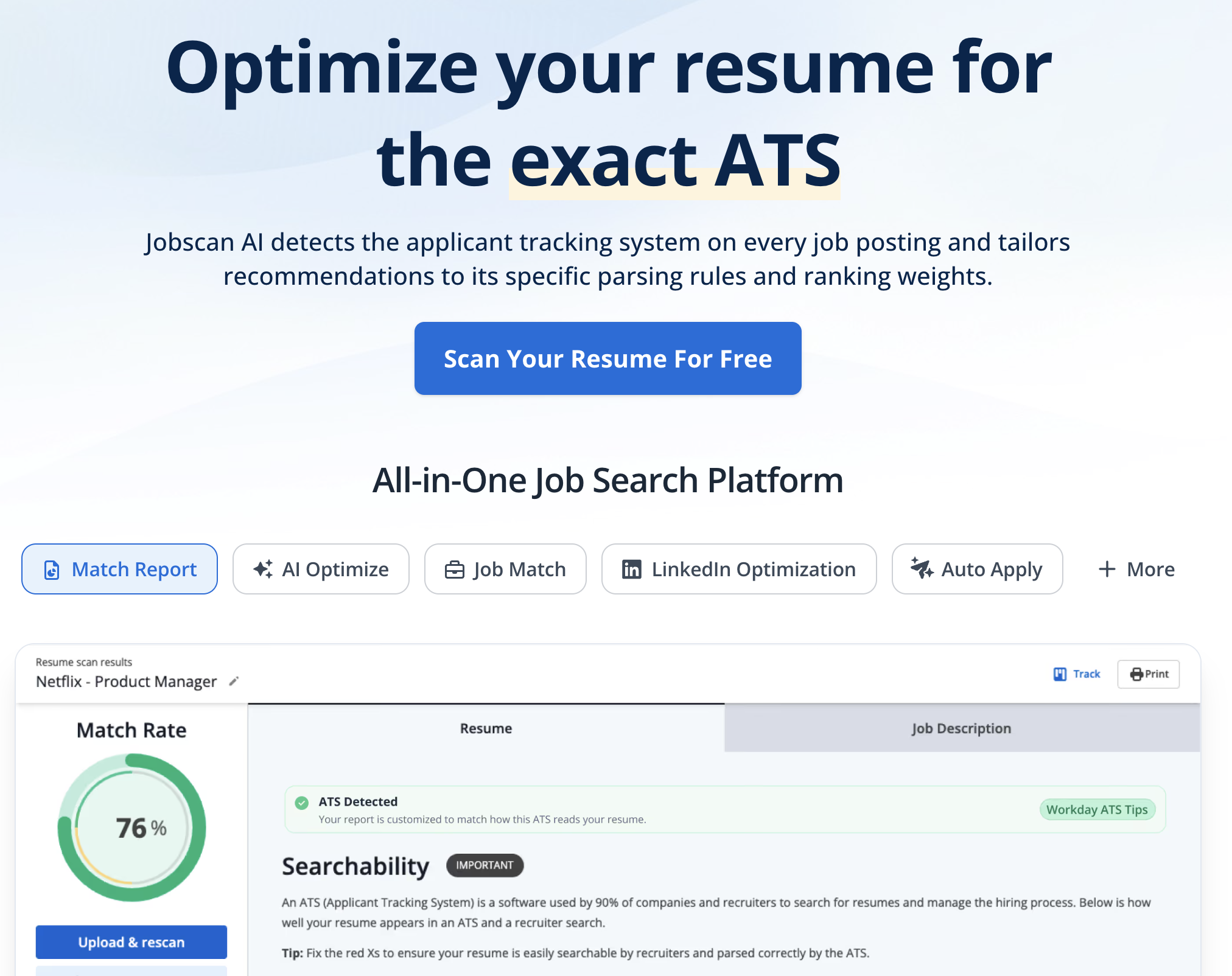
Pricing: Free tier (5 scans/month); Premium from $49.95/month Platform: Web Best for: Job seekers who want their profile to appear in recruiter searches for specific roles
Jobscan is a keyword optimization tool that compares your LinkedIn profile against job descriptions and identifies missing keywords, skills, and phrases. The core value: if a recruiter searches for "product manager SaaS B2B," Jobscan tells you whether your profile contains those exact terms.
Key strengths:
Limitations: Focused entirely on keyword matching — does not assess writing quality, storytelling, or persuasiveness. The suggestions are mechanical ("add the word 'agile' to your experience section") rather than strategic. Premium pricing ($49.95/month) is steep for a single-purpose tool.
Who should pick Jobscan: Active job seekers applying to specific roles who want to ensure their profile surfaces in recruiter searches for those exact positions.
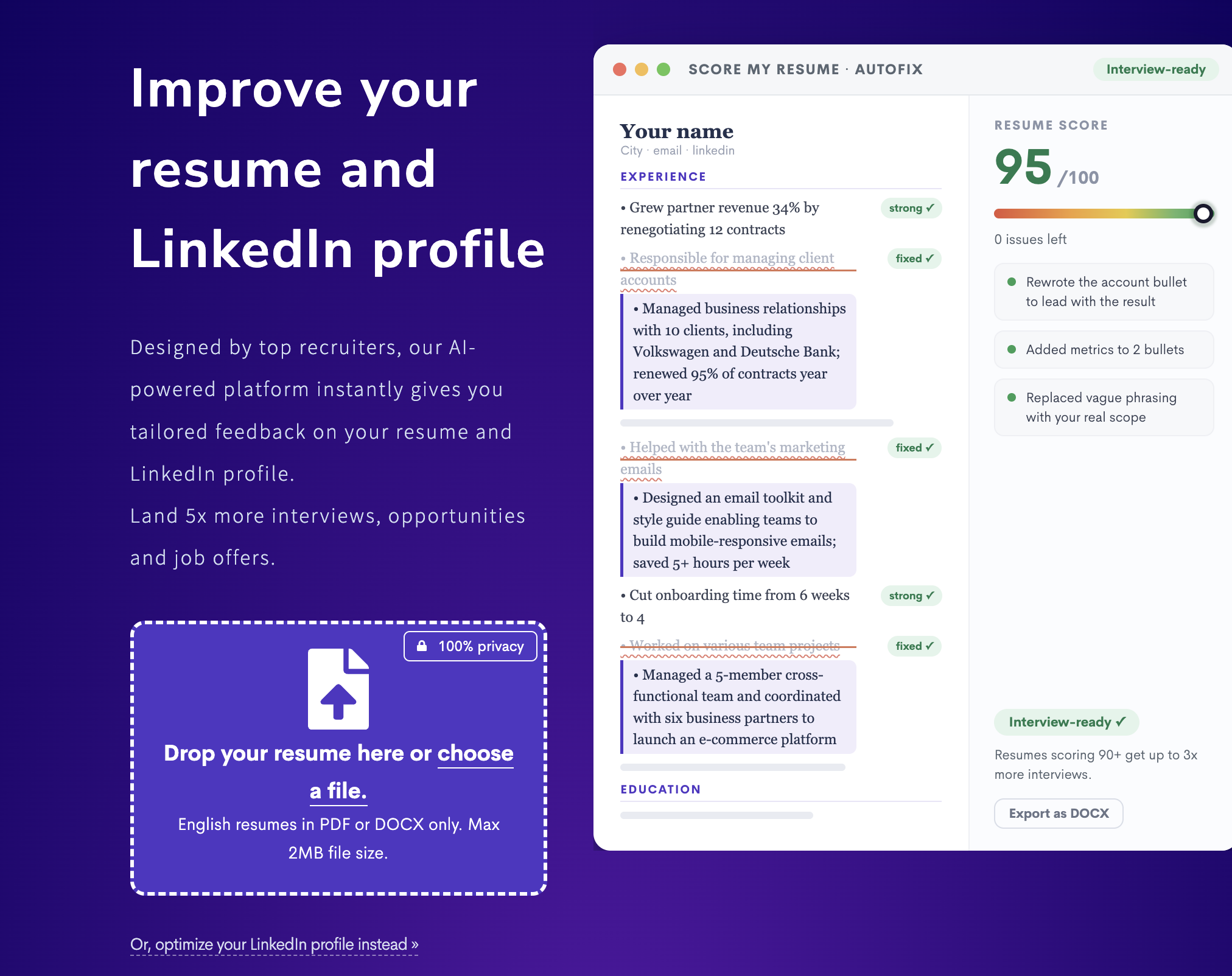
Pricing: Free profile review; Pro from $19/month Platform: Web Best for: Professionals who want a detailed profile audit with specific improvement suggestions
Resume Worded provides an AI-powered LinkedIn profile review that scores each section (headline, about, experience, education, skills) on a 0-100 scale and gives specific, actionable feedback. It is the most comprehensive profile audit tool available.
Key strengths:
Limitations: Free tier provides only a high-level review — detailed feedback requires Pro subscription. Suggestions can be formulaic (always pushing quantified metrics, even for roles where metrics are less relevant). Does not make changes to your profile — you still edit manually.
Who should pick Resume Worded: Professionals who want a structured, data-driven profile audit before making changes. Especially useful as a starting point before using Sai or manual editing to implement improvements.

Pricing: From $49/month Platform: Web, Chrome extension Best for: LinkedIn creators and thought leaders who want to track profile performance alongside content analytics
Taplio combines LinkedIn profile analytics with content creation and scheduling tools. While most profile tools focus on static optimization, Taplio shows how your profile performance changes over time — connecting profile views and search appearances to specific content and engagement activities.
Key strengths:
Limitations: Expensive at $49/month for individual use. Primarily a content tool with profile analytics as a secondary feature — not a profile optimization tool in the traditional sense. Does not provide headline or about section writing assistance.
Who should pick Taplio: LinkedIn creators and thought leaders who post regularly and want to understand how their content activity drives profile traffic and inbound opportunities. If you are posting 3+ times per week, Taplio's analytics justify the cost.
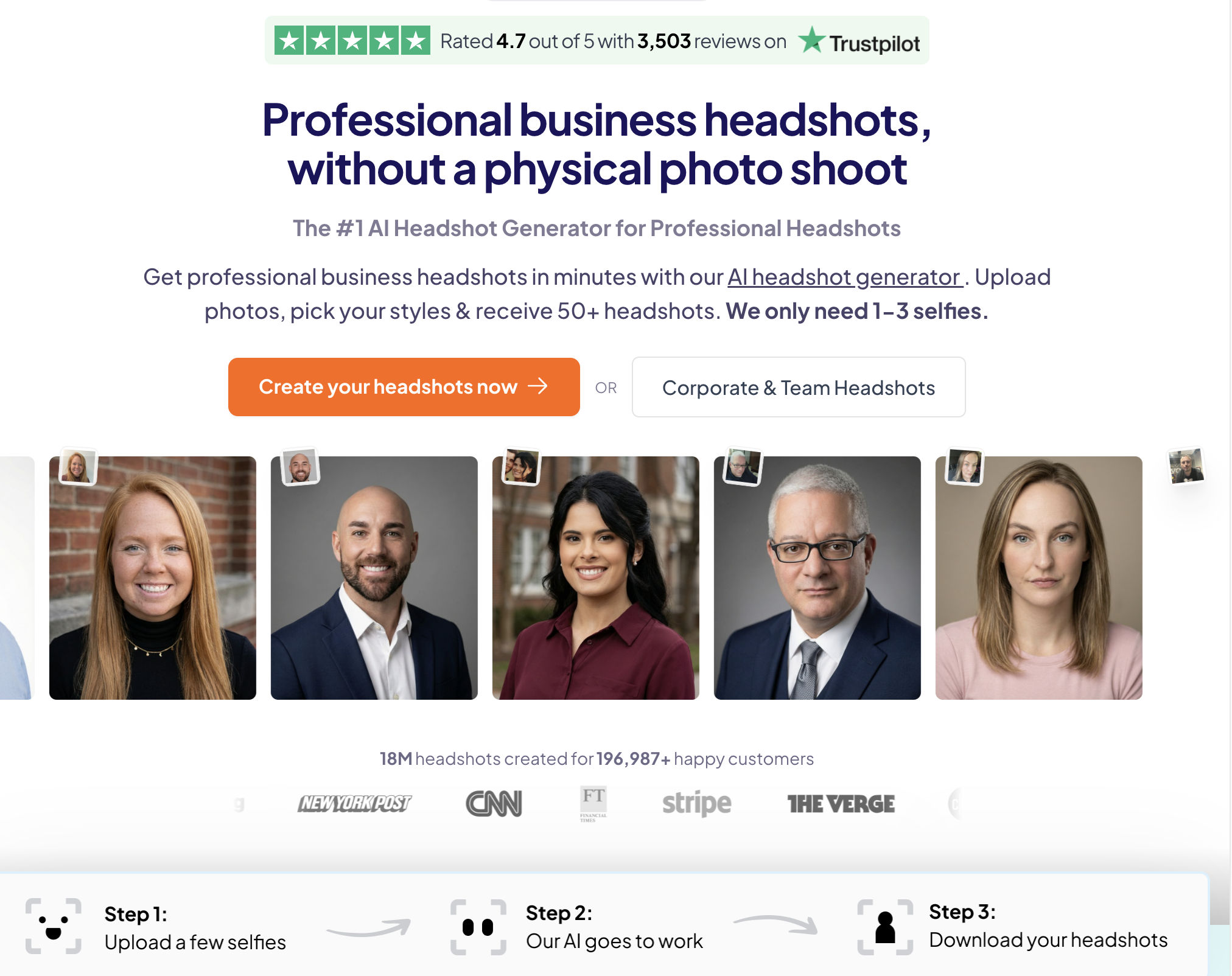
Pricing: From $29 (one-time, per set) Platform: Web Best for: Professionals who need a professional headshot without booking a photographer
LinkedIn profiles with professional photos receive 21x more profile views than those without. Headshot Pro uses AI to generate studio-quality professional headshots from casual selfies — eliminating the $200-500 cost and scheduling hassle of a professional photographer.
Key strengths:
Limitations: AI-generated photos can sometimes look slightly unnatural — check for artifacts in hair, eyes, and accessories. Results depend heavily on the quality and variety of input photos. Some industries (law, finance) may still expect traditional photographer headshots.
Who should pick Headshot Pro: Anyone without a professional headshot who wants to improve their profile photo immediately. The $29 investment is negligible compared to the profile view increase a good headshot delivers.
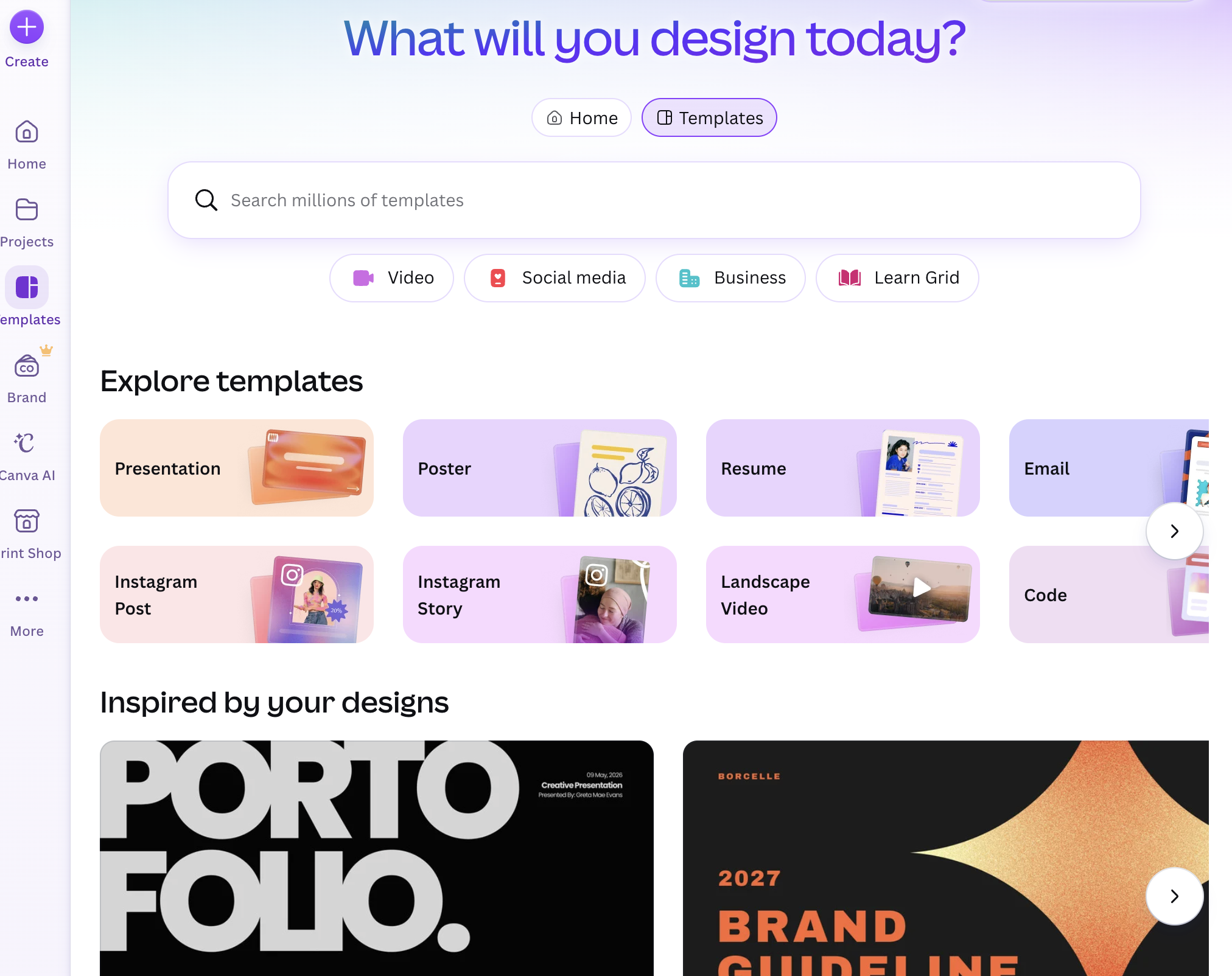
Pricing: Free tier; Pro from $12.99/month Platform: Web, Desktop, iOS, Android Best for: Professionals who want custom banner images and visual content without design skills
Your LinkedIn banner (1584x396px) is the largest visual element on your profile, yet most professionals leave it as the default blue gradient. Canva provides thousands of LinkedIn-specific templates for banners, post graphics, carousel slides, and infographics.
Key strengths:
Limitations: Not a profile optimization tool — Canva creates visual assets but does not analyze or improve your written profile sections. Templates can look generic if you do not customize colors, fonts, and imagery. The design learning curve is minimal but not zero.
Who should pick Canva: Every LinkedIn user who wants a custom banner image. At minimum, replace the default gradient with a banner that communicates your value proposition, showcases your work, or displays a professional brand identity.
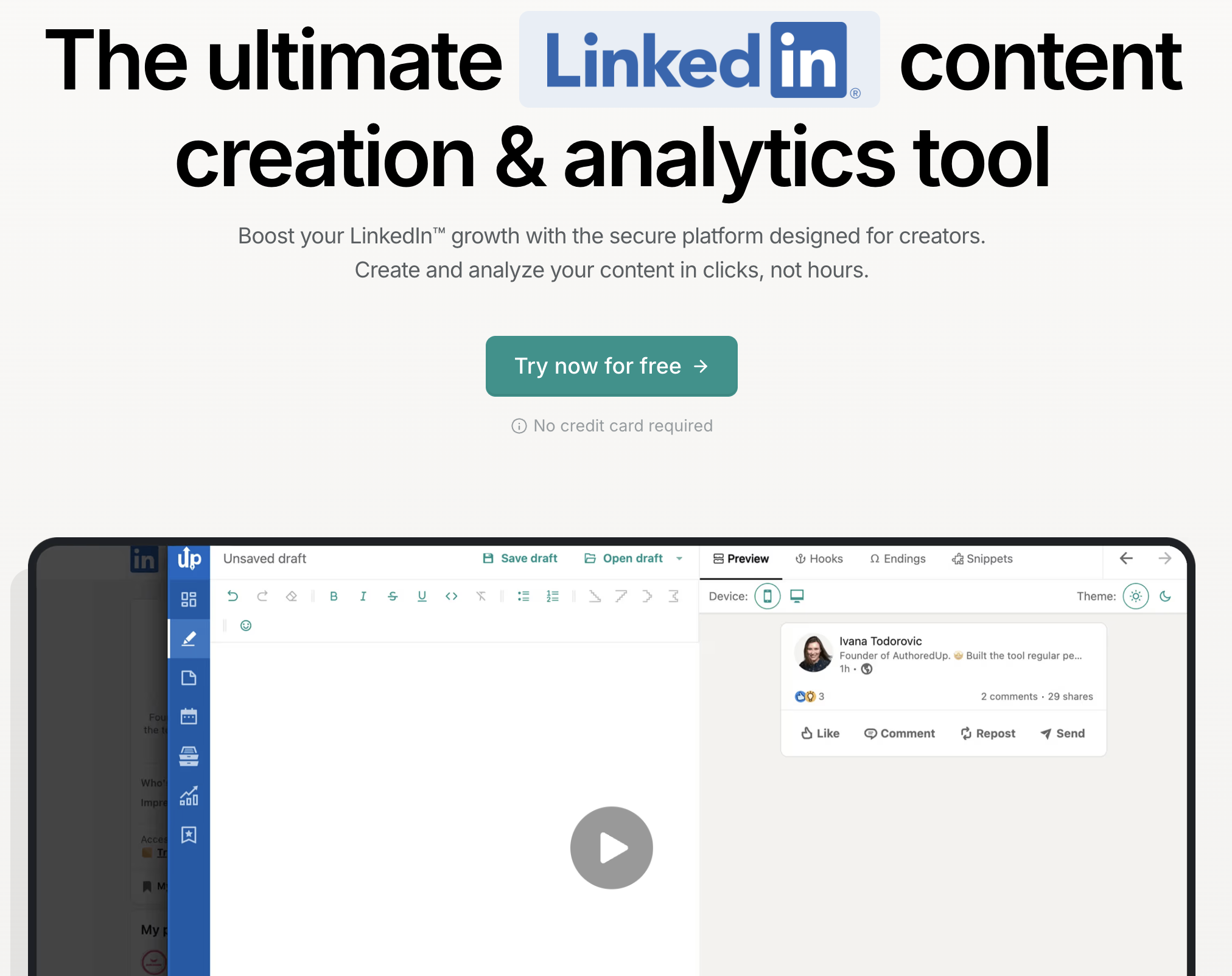
Pricing: From $19.95/month Platform: Chrome extension Best for: LinkedIn creators who want better post formatting and basic profile analytics
AuthoredUp is a Chrome extension that adds rich text formatting (bold, italic, bullet points, emojis) to the LinkedIn post editor — which LinkedIn's native editor does not support. It also provides basic profile analytics and a content library for saving drafts.
Key strengths:
Limitations: Primarily a content creation tool, not a profile optimization tool. Profile analytics are basic compared to Taplio or Shield. Chrome extension means it only works in the browser, not on mobile. No AI writing assistance — you still write everything yourself.
Who should pick AuthoredUp: LinkedIn creators who post regularly and want better formatting tools and a content library. The $19.95/month price point is more accessible than Taplio for creators who do not need advanced analytics.
Pricing: Free tier (limited); Premium from $49/month Platform: Web, Chrome extension Best for: Sales professionals and networkers who want to tailor their communication style
Crystal uses DISC personality analysis to predict someone's communication style based on their LinkedIn profile. While not a traditional profile optimization tool, it helps you write profile sections and messages that resonate with your target audience's personality type.
Key strengths:
Limitations: Personality predictions are probabilistic — they are educated guesses, not certainties. Premium pricing ($49/month) is steep for individual use. Most valuable for sales professionals running high-volume outreach, less relevant for job seekers or casual users.
Who should pick Crystal: Sales professionals and business developers who send 20+ LinkedIn messages per week and want to personalize tone (not just content) for each recipient.
Pricing: Free tier; Premium from $12/month Platform: Browser extension, Desktop, Web Best for: Anyone who wants clear, error-free profile writing
Grammarly is not LinkedIn-specific, but it is the most effective tool for ensuring your profile writing is grammatically correct, concise, and professional. It catches the subtle errors — passive voice, wordiness, tone inconsistencies — that undermine credibility in your about section and experience bullets.
Key strengths:
Limitations: Does not understand LinkedIn-specific optimization — it will not suggest keyword improvements, headline formulas, or section structure. Generic grammar tool applied to a specific context. Free tier catches basic errors but misses nuanced improvements.
Who should pick Grammarly: Everyone. Install the free version at minimum. Non-native English speakers benefit most from Premium, but even experienced writers catch 2-3 improvements per profile section.
Pricing: From $8/month Platform: Web Best for: Professionals who want to measure whether profile changes actually improve performance
Shield Analytics tracks your LinkedIn profile and content performance over time — profile views, search appearances, follower growth, post engagement, and audience demographics. The key value: it tells you whether a profile change (new headline, updated about section) actually moved the needle.
Key strengths:
Limitations: Analytics only — Shield does not suggest profile improvements or write content. Requires consistent LinkedIn activity to generate meaningful data. Dashboard can feel overwhelming for users who just want basic metrics.
Who should pick Shield: Professionals who have already optimized their profile (using Sai, Resume Worded, or Jobscan) and want to measure the impact of those changes over time. Also essential for LinkedIn creators tracking content ROI.