
Oops! Something went wrong while submitting the form.
Gamma is one of the best AI presentation tools available. Its card-based editor is fast, the AI generates well-structured content, and the web-native presentations look polished. If you present by sharing a link, Gamma is hard to beat.
The problem starts when someone asks for a PowerPoint file.
Gamma's PPTX export is an afterthought. Interactive elements disappear. Layouts shift. Fonts change. What looked clean in Gamma's web editor arrives as a broken file in PowerPoint — and you spend 30 minutes fixing alignment, reformatting text boxes, and replacing images that exported at the wrong resolution.
If your workflow ends at a .pptx file — because your client uses PowerPoint, your team collaborates in Google Slides, or your company requires slide decks in a standard format — Gamma creates more work than it saves.
This guide covers 7 alternatives, organized by the specific Gamma limitation they solve. Every tool on this list was tested against the same benchmark: a 12-slide investor pitch deck exported to PPTX and opened in both PowerPoint and Google Slides.
Gamma is genuinely good at what it does. The reasons people leave are specific and recurring:
1. PPTX export quality. Gamma's presentations are designed for web viewing. The PPTX export converts a web-native format into a slide format — and the conversion is lossy. Card-based layouts do not map cleanly to fixed-dimension slides. Nested content collapses. Animations and interactive elements vanish.
2. No offline presentation. Gamma requires an internet connection. At conferences, client sites, or venues with unreliable Wi-Fi, you cannot present from Gamma without exporting first — and the export has the problems described above.
3. Limited design control. Gamma prioritizes speed and simplicity. You cannot adjust margins at the pixel level, create custom slide masters, or implement complex animation sequences. For designers and brand-conscious teams, this is a dealbreaker.
4. Proprietary lock-in. Your presentations live in Gamma's ecosystem. If Gamma changes pricing, discontinues features, or goes offline, your content is trapped behind an export that does not preserve it fully.
5. No template import. You cannot upload your company's existing PowerPoint template and ask Gamma to use it. Every deck starts from Gamma's templates, not yours.

Sai is an AI agent that generates presentations as native PowerPoint files — not web presentations converted to PPTX. Every text box, shape, chart, image, and table is a real PowerPoint object you can select, move, resize, and reformat in PowerPoint, Google Slides, or Keynote.
The fundamental difference is where the presentation lives. Gamma builds for the web and exports to PPTX as a secondary step. Sai builds PPTX from the start — the file format is the primary output, not a conversion.
This means:

Where Gamma is better: Gamma's web-native presentations have built-in analytics (view tracking per slide), interactive elements (expandable cards, embedded video), and responsive design for mobile viewing. If you present by sharing a link and never need a .pptx, Gamma's web experience is superior.
Pricing: Free tier available. Pro plans at simular.ai.
Best for: Consultants, agencies, and corporate teams who need to hand off editable .pptx files. Teams collaborating in Google Slides. Anyone who has exported from Gamma and spent more time fixing the export than building the deck.

Beautiful.ai applies design rules automatically. You add content, and the AI handles alignment, spacing, and visual hierarchy. Every slide follows professional layout principles without you touching a ruler.
Beautiful.ai is closer to a traditional slide tool than Gamma. Presentations are built in fixed slide dimensions (16:9), not web cards. The PPTX export is cleaner because the internal format is already slide-based — there is less to convert.
The "smart slides" system is both the strength and the limitation. You choose from 60+ pre-designed layouts, and the AI auto-adjusts when you add or remove content. Text reflows, images resize, charts rescale. This prevents design disasters but also prevents creative freedom — you cannot drag an element to an arbitrary position.
Where Gamma is better: Gamma gives you more creative flexibility. Beautiful.ai's guardrails prevent bad design but also prevent unusual or innovative layouts. If your presentations need to break conventions (asymmetric layouts, overlapping elements, full-bleed images), Gamma is more accommodating.
Pricing: Free trial. Pro: $12/month (annual). Team: $40/user/month.
Best for: Sales teams and marketing departments that produce high volumes of client-facing decks. Companies where brand consistency matters more than creative expression.
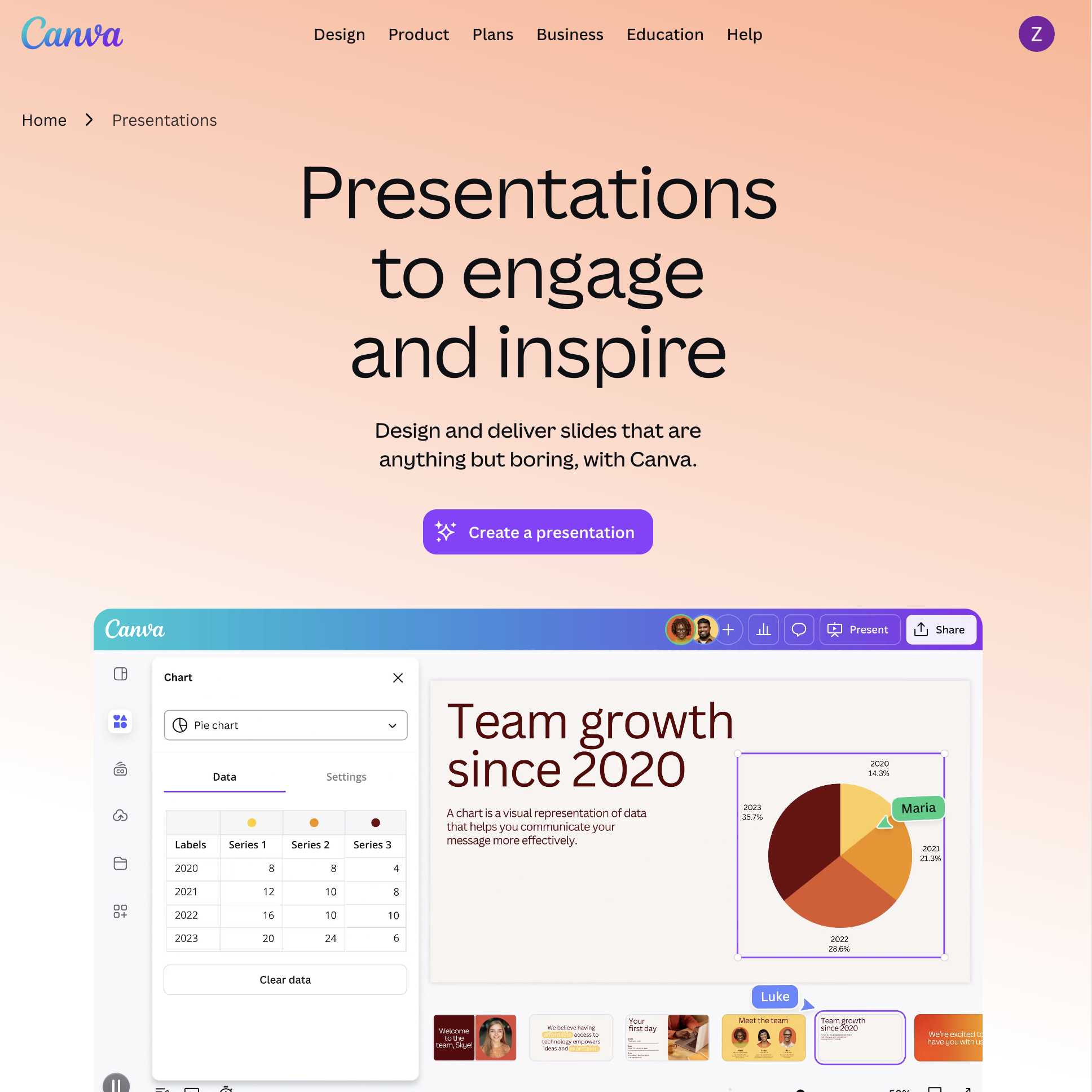
Canva is a full design platform that happens to include AI presentation generation. Its advantage is scale: 100M+ photos, illustrations, icons, and videos — a library that dwarfs every dedicated slide tool.
Gamma generates content-first presentations — the AI focuses on structure and narrative. Canva generates visual-first presentations — the AI focuses on design, imagery, and aesthetic impact. For presentations that need to look stunning (event decks, social media, marketing showcases), Canva's visual library is unmatched.
Canva also offers real-time collaboration (live cursors, comments, version history), which Gamma supports but with a less mature feature set. And Canva presentations can be exported as videos — useful for presentations that run on a loop at events or trade shows.
The PPTX export is mid-tier: better than Gamma's (because Canva's internal format is closer to traditional slides), but some Canva-specific effects (certain animations, gradient text, niche fonts) do not survive the conversion.
Where Gamma is better: Gamma's AI generates better-structured content. Canva's Magic Design produces visually attractive but structurally shallow slides — you get pretty layouts with placeholder text, not a coherent narrative. Gamma is smarter about what goes on each slide.
Pricing: Free (limited AI features). Pro: $13/month (annual). Teams: $10/user/month (annual, minimum 3).
Best for: Marketing teams who need visually rich presentations and already use Canva for other design work. Presentations where imagery matters more than narrative depth.

SlidesAI is a Google Slides extension that generates presentations directly inside Google Slides. There is no separate app, no file conversion, no export step. You generate and edit in the same environment your team already uses.
The key difference is zero friction. Gamma requires you to create an account, build in their editor, export to PPTX, then upload to Google Drive. SlidesAI skips all of that — you open Google Slides, activate the extension, and generate. The output is native Google Slides objects.
This makes SlidesAI the best choice for organizations standardized on Google Workspace. There is no export quality question because there is no export — the slides are born in Google Slides.
The tradeoff is design quality. SlidesAI's generated slides look like competent Google Slides presentations — clean but not designer-grade. Gamma's output is visually more sophisticated.
Where Gamma is better: Gamma's design quality is significantly higher. SlidesAI slides look functional; Gamma slides look polished. If visual impact matters and you are willing to deal with the export, Gamma produces better-looking presentations.
Pricing: Free (3 presentations/month). Basic: $10/month. Premium: $20/month.
Best for: Schools, nonprofits, and companies on Google Workspace who need AI-generated presentations without leaving their existing tools. Teams where "works in Google Slides natively" is the top priority.

Pitch is a presentation platform built from the ground up for teams. Real-time collaboration, shared template libraries, version history, and granular permissions — it is Google Docs-level collaboration for slides.
Gamma supports collaboration, but it is a feature added to a presentation tool. Pitch is a collaboration platform that includes presentation creation. The difference shows in details: Pitch has workspace-level template libraries (every new deck starts on-brand), revision history with named versions (not just auto-saves), and status workflows (Draft > Review > Final).
Pitch's PPTX export is also stronger than Gamma's. Because Pitch uses traditional slide dimensions internally, the conversion is straightforward — what you see in Pitch is very close to what you get in PowerPoint.
The AI generation is a first-draft tool, not a finished product. Pitch's AI creates a reasonable starting point that your team then refines collaboratively — which aligns with how teams actually build presentations (iterate, don't generate-and-ship).
Where Gamma is better: Gamma is faster for solo creators. If you are one person building a deck quickly, Gamma's AI-to-finished-product pipeline is smoother. Pitch shines when 2-5 people are contributing to the same deck.
Pricing: Free (unlimited presentations). Pro: $22/user/month (annual).
Best for: Agencies, consulting firms, and startups where 2-5 people collaborate on every presentation. Teams that need version control and shared templates. For related team workflows.

Tome's AI is built around narrative, not layout. Where most tools ask "what content goes on each slide," Tome asks "what story are you telling?" and builds a narrative arc across the entire deck.
Both are web-native tools, but they prioritize different things. Gamma optimizes for visual structure — clean cards, consistent formatting, responsive design. Tome optimizes for narrative flow — each slide builds on the previous one, creating a cohesive argument rather than a disconnected set of bullet points.
Tome also has built-in AI image generation (DALL-E integration) that creates custom visuals per slide. No stock photos — the images are generated to match your specific content. Gamma uses AI images too, but Tome's integration is tighter and produces more contextually relevant results.
The PPTX export has the same limitations as Gamma — both are web-native tools where PowerPoint is a secondary output. If PPTX quality is your primary concern, neither Tome nor Gamma solves that problem.
Where Gamma is better: Gamma is more versatile. Tome excels at conceptual, narrative presentations (pitch decks, thought leadership, strategy) but struggles with data-heavy content (quarterly reviews, financial models, technical specifications). Gamma handles both types reasonably well.
Pricing: Free (50 AI credits). Pro: $16/month (billed annually).
Best for: Founders pitching investors, marketers creating thought-leadership content, and educators building lecture materials. Anyone whose slides need to tell a story, not just display information.

Slidebean is the most specialized tool on this list. It does one thing: help startups build pitch decks that raise money. Templates are based on real funded decks, content guidance is stage-specific, and an optional consulting service provides human review.
Gamma is a general-purpose presentation tool. Slidebean is a pitch deck machine. The templates are not generic — they are modeled after decks that raised funding from real VCs (Airbnb, Buffer, etc.), with slide-by-slide guidance on what investors expect.
The optional human review ($499+) is unique in this category. No other AI presentation tool offers a service where actual pitch deck consultants review and improve your deck. For first-time founders, this bridges the gap between "the AI generated something" and "this deck is investor-ready."
Where Gamma is better: For anything that is not a pitch deck. Slidebean is narrow by design — quarterly reviews, training decks, marketing presentations, and internal updates are all better served by Gamma or any general-purpose tool.
Pricing: Free trial. Starter: $8/month. Premium: $19/month. Founder: $149/year (includes consulting).
Best for: Pre-seed and seed-stage founders who need a structured, investor-proven pitch deck format with optional expert review. Not for general presentation needs.